Touchbud Play+
Digital signage that keeps itself current.
Touchbud Play+ keeps your screens current, runs several displays in step, and turns any screen into a touch terminal when you want one. It is already running at Sparkasse and in the Tabakfabrik Linz.
Yearly licence from €15 per month, net. Your existing devices can stay in service.
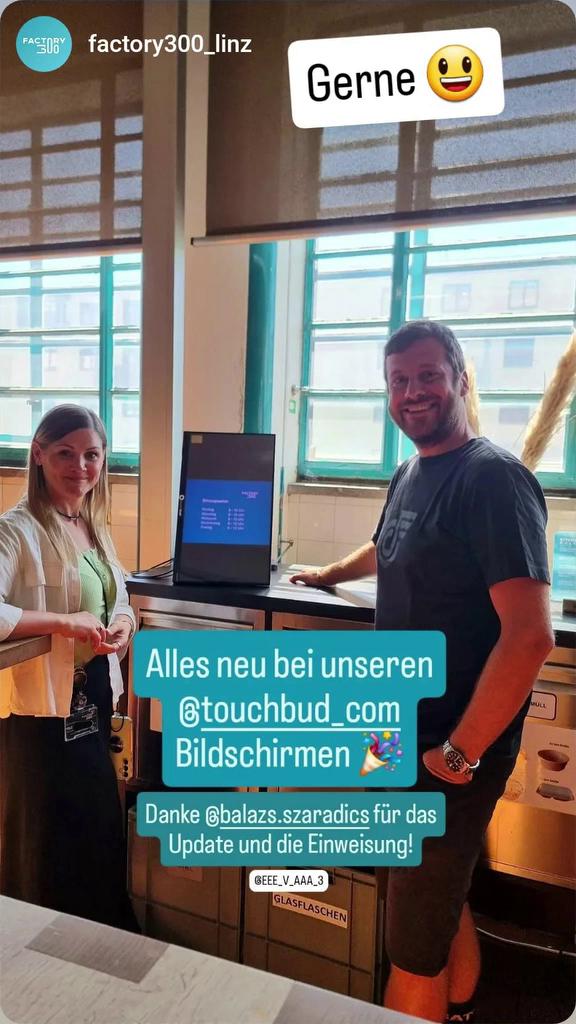
Handover with Eva and Julia from Factory300. Thank you for the input and the brainstorming we did together – a good deal of it went straight into the new Play+.
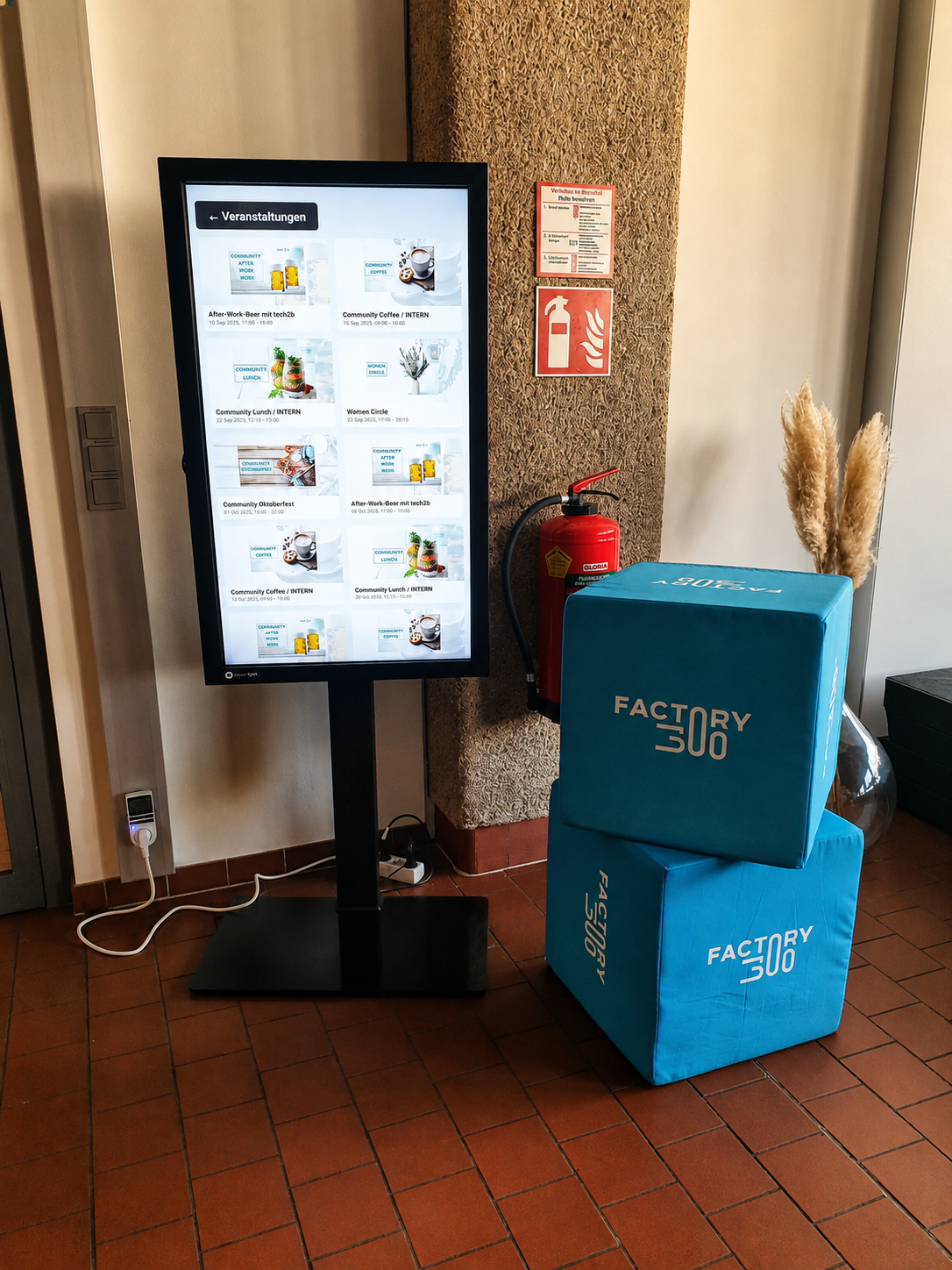
The terminal shows the latest events straight from Nexudus. The floor plan, memberships, companies and everything else worth knowing are now only a few taps away.
What Play+ does
Six things that shape the working day with Touchbud Play+.
Synchronised screens
Multiple displays run in step. Every screen changes at the same instant, millisecond accurate, from a shared server clock. Video walls and multi-part window displays finally read as one picture instead of four devices.
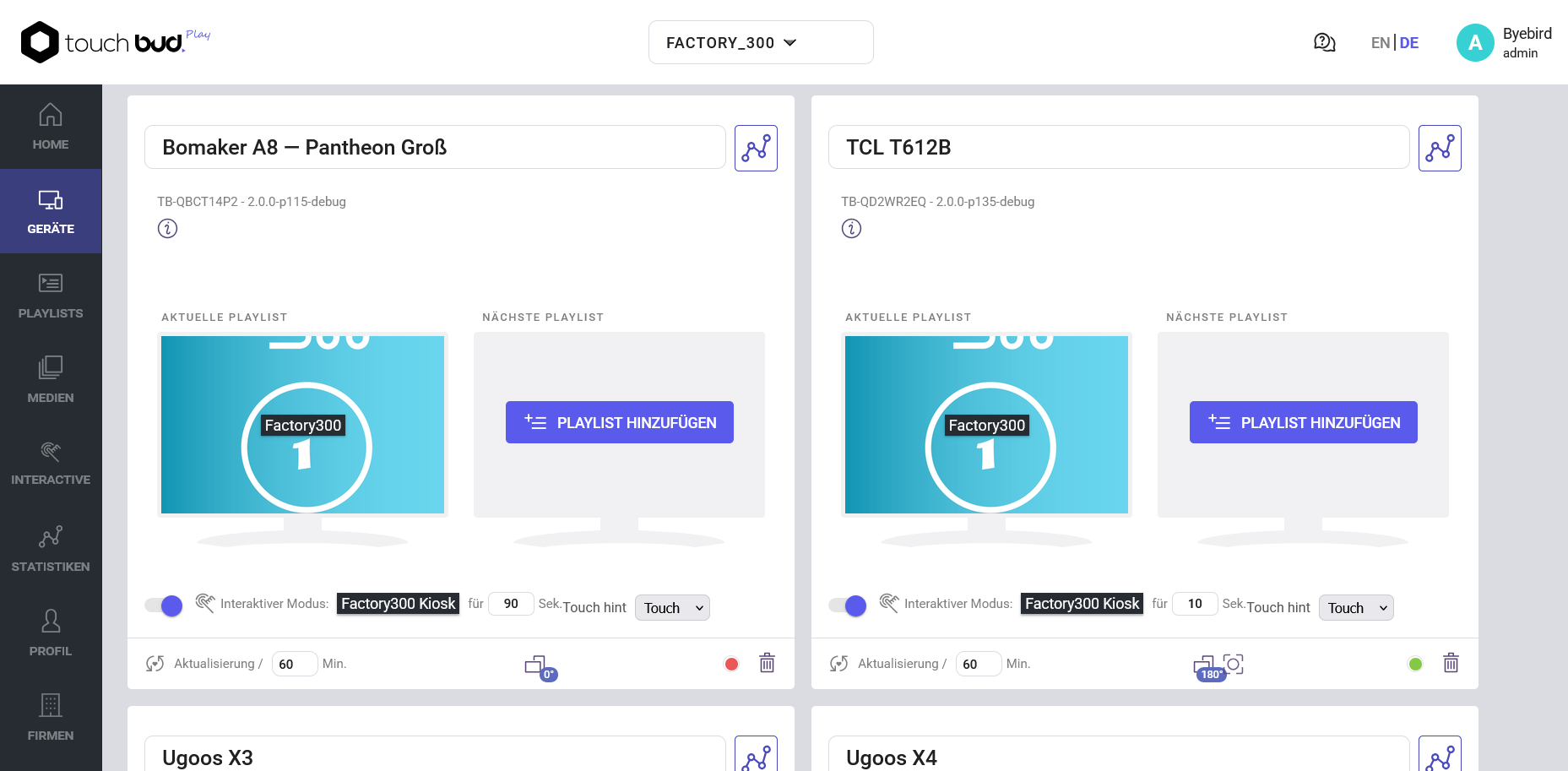
Interactive terminals
Turn a screen into a touch terminal: rooms, queue numbers, ordering or a product catalogue, operated right at the display. And where no loop should run at all, set the screen to pure terminal mode.
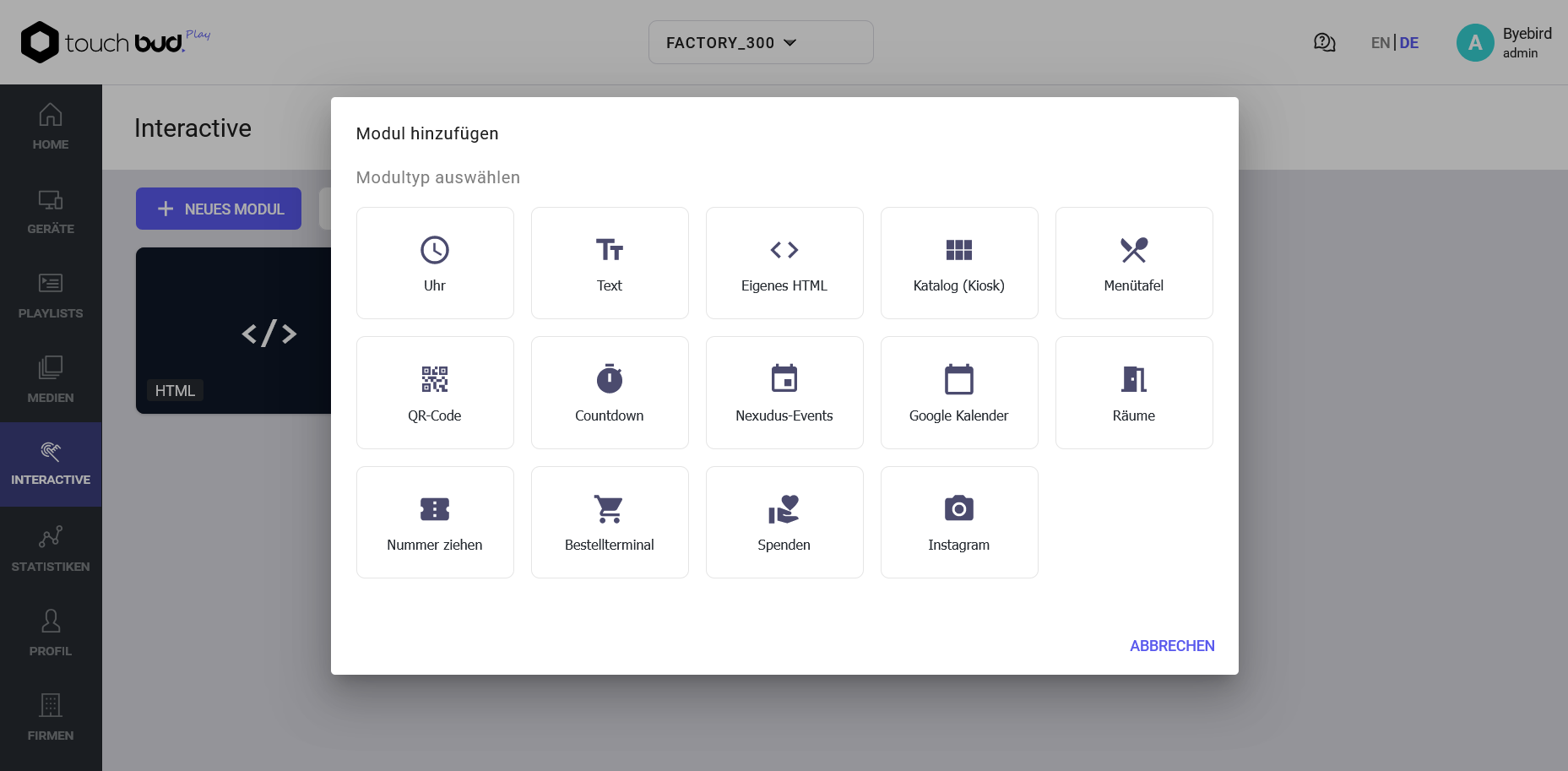
Module library
Clock, QR code, countdown, menu board, Instagram feed, Google Calendar, Nexudus and more. Pick it in the admin, set it up, done – no extra software and no developer.
One admin for everything
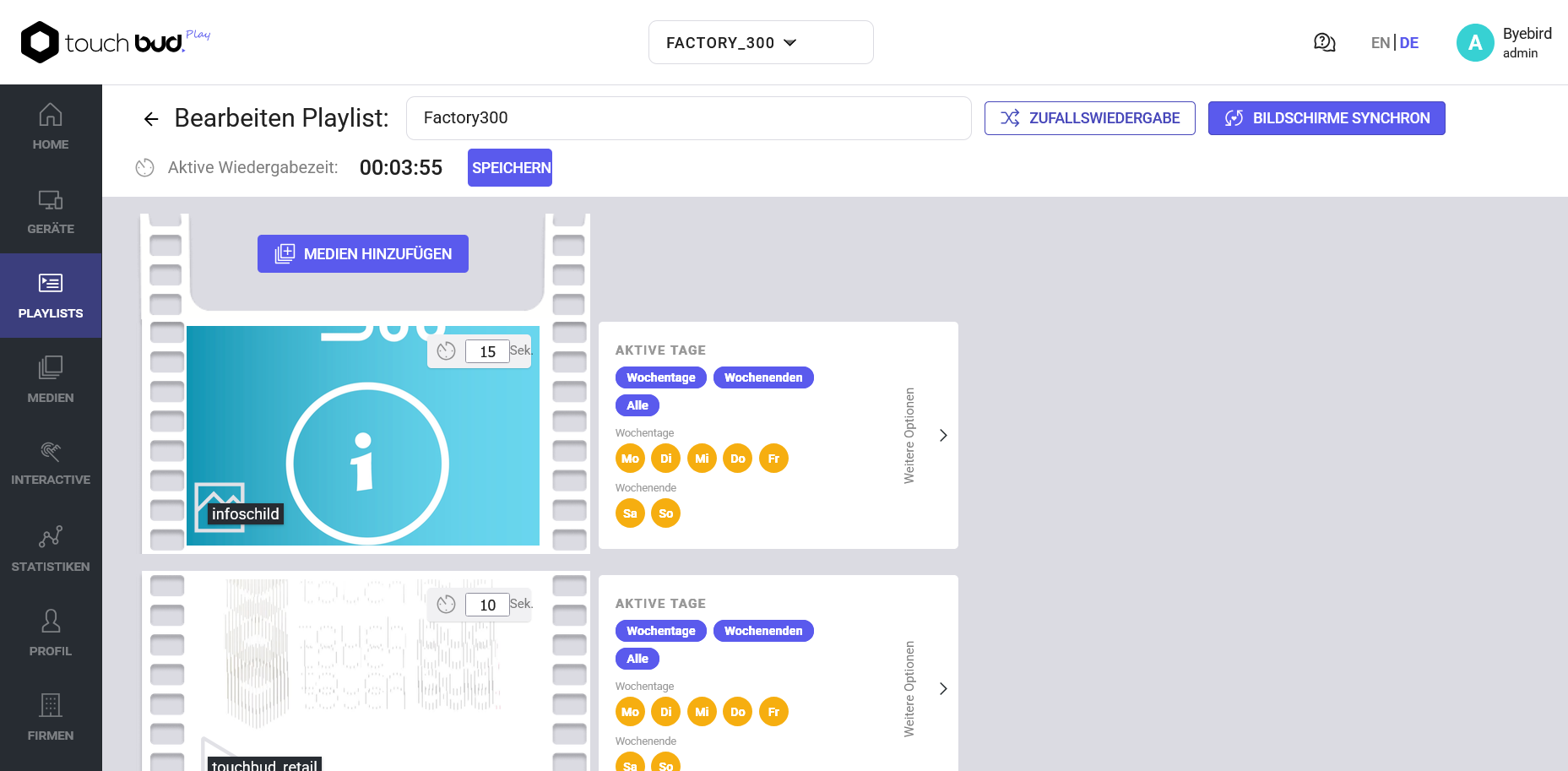
Multiple locations, companies and screens in a single interface, with separate permissions per site. Admins, editors and counter staff each see exactly what they need — and none of it sits on a PC in your office.
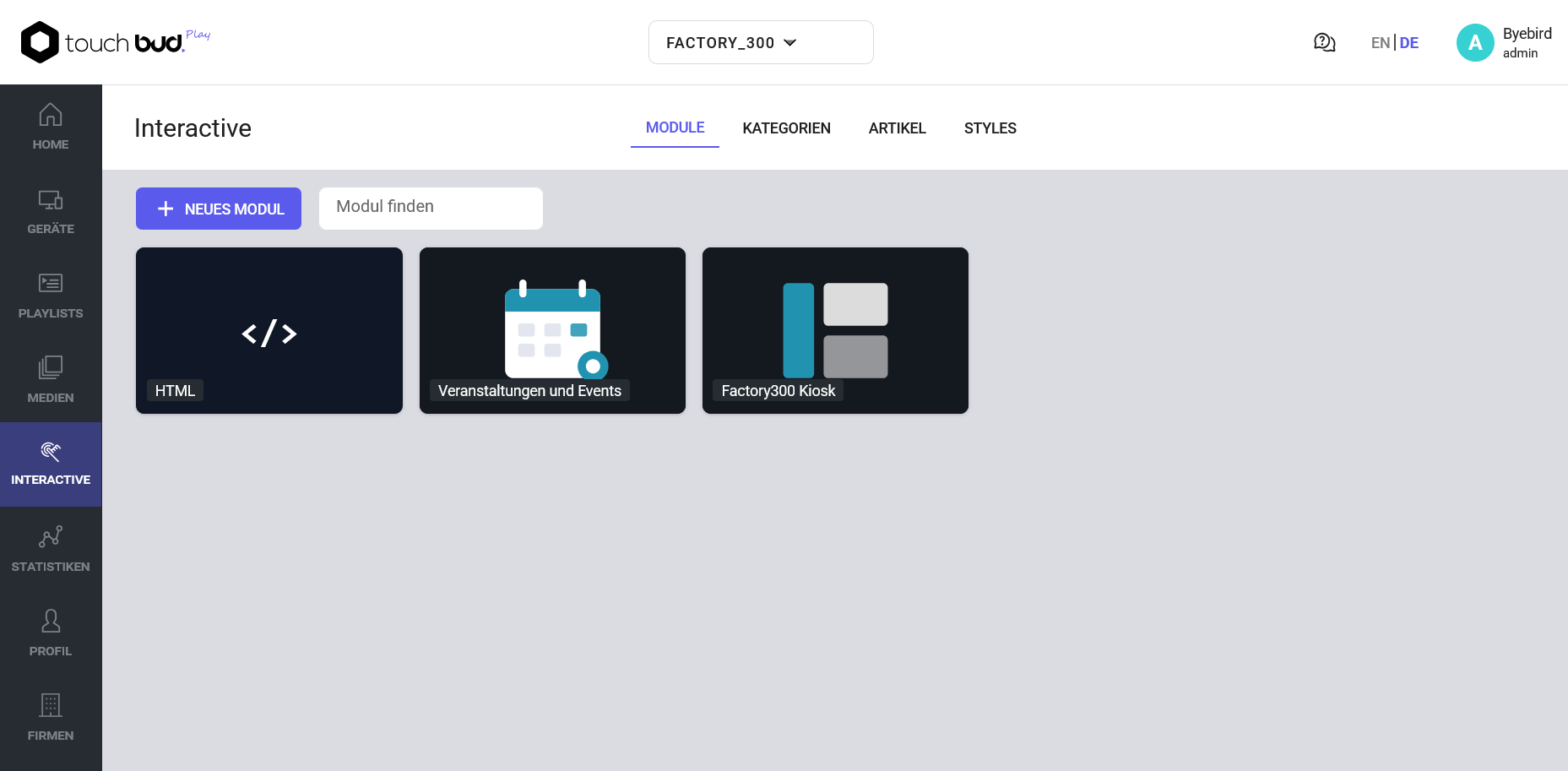
Your modules in one place
Built, named, reusable: make a module once and put it on as many screens as you like. Change it later and every screen using it follows — you maintain the content in one place instead of twelve.
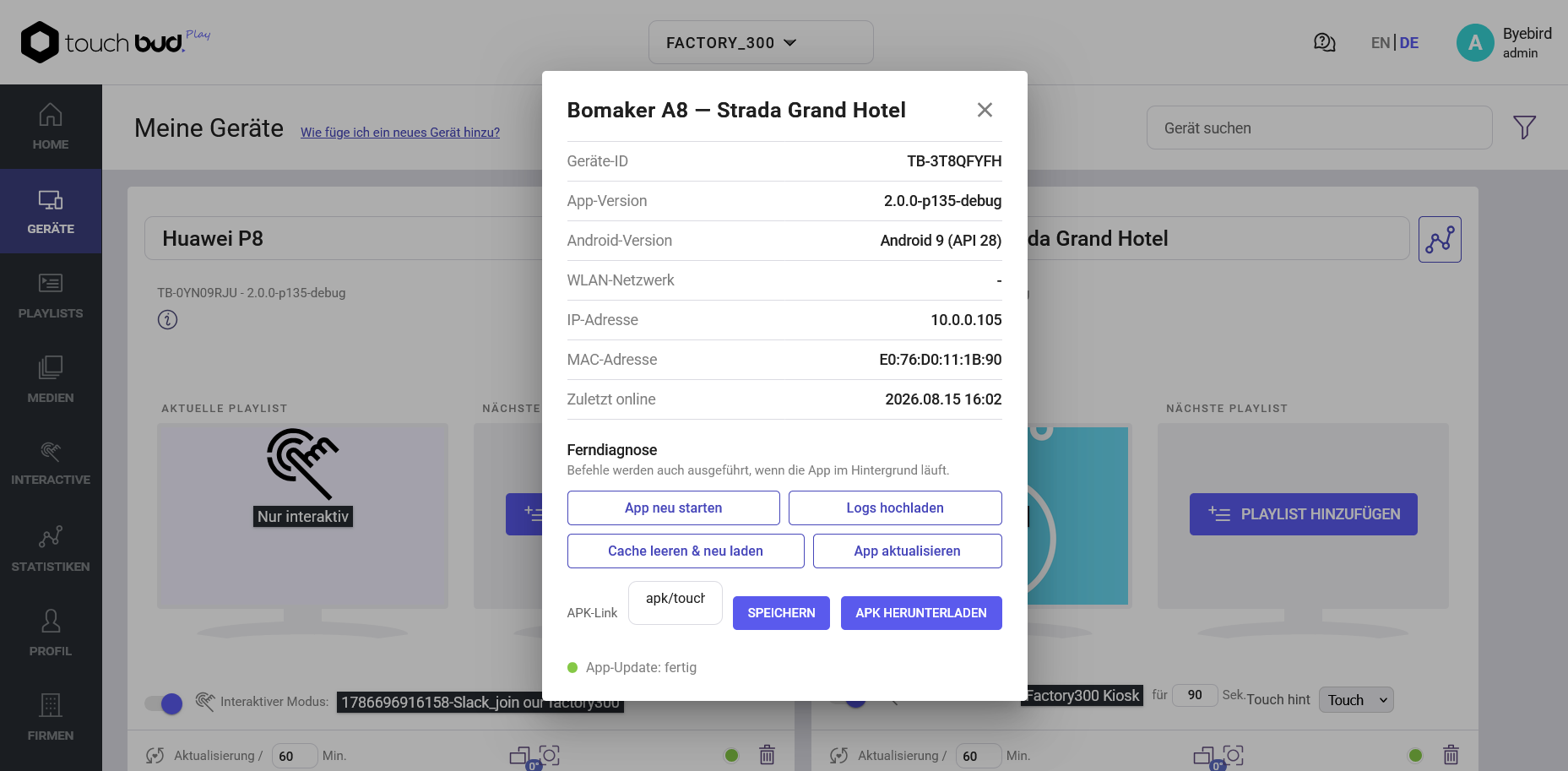
Maintenance from anywhere
Restart, pull logs, clear the cache, trigger an update — all from the admin, even while the app is in the background. Most faults can be cleared this way without anybody getting in a car.
Sounds good? Let us get started.
How ordering works
Three steps to your first screen.
1
Pick a plan
Starter, Optima or Professional – by the number of screens. Yearly licence, upgrade any time.
2
Order
By form or directly by card. We set up your access and get back to you as soon as possible.
3
Go live
Install the player, register the device, add content. Players keep themselves current from here on.
Plans & pricing
Yearly licence by number of displays. Net prices excl. VAT.
billed yearly in advance · minimum term 12 months
billed yearly in advance · minimum term 12 months
billed yearly in advance · minimum term 12 months
Looking for something else? Our sales team will put your package together.
Contact usAll prices net, excl. VAT. Pay by card (Stripe) or by invoice – let us know your preference in the form.
Order Touchbud Play+
This site is protected by reCAPTCHA. The Google Privacy Policy and Terms of Service apply.